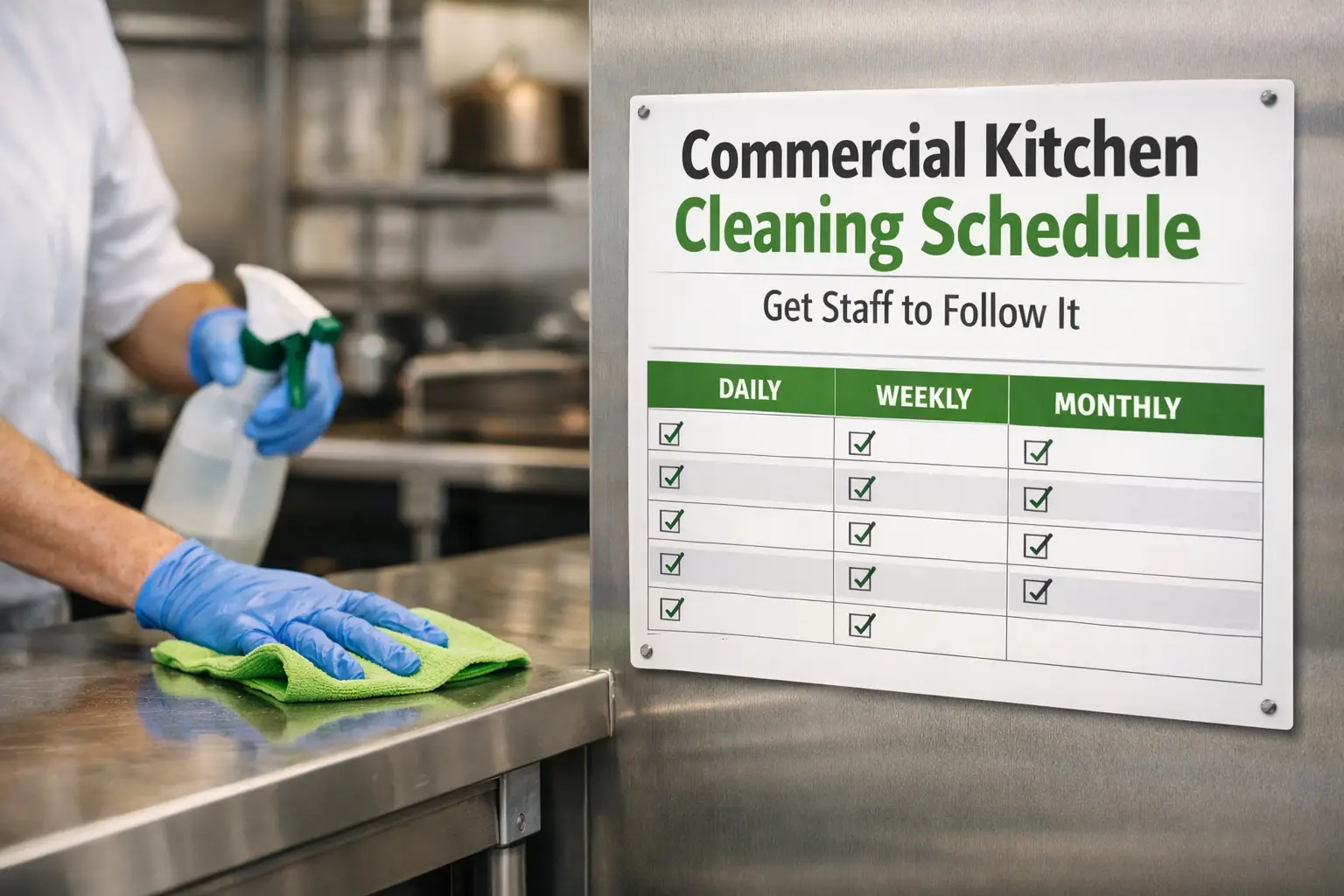
Getting staff to follow a cleaning schedule in a busy kitchen is tough. Plans fail when tasks stack up, instructions are vague, no owner is named, or there’s no check that a job was completed. This guide shows how to build shift-based cleaning, clearly assign ownership, and verify results—along with practical examples and a records approach that supports inspections.
Why cleaning plans fail in busy catering environments
A clear owner who is accessible during service makes the difference between a plan on paper and a spotless kitchen in practice.
In busy catering environments, a cleaning plan easily unravels. Common failures include piling tasks into one moment, vague instructions, no single owner to drive the work, and no verification that tasks were completed to standard. Without explicit ownership and observable checks, staff may assume someone else will handle it or skip steps amid service pressures.
To prevent this, translate every task into a concrete action with a named person, a standard, and a window. Then attach a simple check that can be observed, verified, and recorded.
Break cleaning into shifts: pre-service, during service, close-down, and overnight where needed
Spreading tasks across shifts reduces bottlenecks and keeps staff focused on specific, observable outcomes.
Splitting cleaning duties across time blocks helps distribute workload and keeps critical tasks from being rushed. Typical blocks include:
- Pre-service: wipe and sanitize prep surfaces, equipment, and high-risk contact points before customers arrive.
- During service: quick mid-service wipes of high-touch surfaces (prep benches, fridge handles, taps) and spot checks on utensils and sinks.
- Close-down: complete surface sanitizing, utensil washing, storage checks, and secure locking of doors.
- Overnight (where needed): deeper cleans, equipment checks, and a quick inventory for the next day.
Practical example: assign a short 5–8 minute checklist to each shift and post it at the relevant area. This keeps expectations visible and minimizes cross-task handoffs.
Focus on high-touch and food contact points
Prioritizing high-touch surfaces makes your cleaning plan actionable and inspection-friendly.
High-touch surfaces drive cross-contamination risk if neglected. Priorities include:
- Prep tables and cutting boards
- Fridge and freezer handles, gaskets, and doors
- Taps, faucet handles, light switches
- Slicers, knives, utensils, scales
- Sinks, drains, and waste disposal areas
- Door handles and service counters
- Probe thermometers and thermowells
Focusing on these points helps ensure a meaningful reduction in microbiological risk and aligns with what inspectors often review first.
A practical approach is to run a quick daily scorecard for these points, noting any wear, residue, or missed spots. If an item consistently scores poorly, escalate to a dedicated task with a named owner.
Assign ownership clearly: name the person or role responsible for each task, not just “the team”
Named ownership turns intentions into accountability, reducing confusion during busy periods.
Generic phrases like “the team will clean” create ambiguity. Instead, assign explicit owners and, when possible, tie tasks to roles or individuals. A simple ownership mapping improves accountability and helps with sign-offs during inspections.
Example ownership map (sample, adapt to your staff roles):
| Task | Owner | Standard / Evidence |
|---|---|---|
| Wipe prep benches and cutting boards | Kitchen Lead (Alex) | 60-second sanitizer wipe; surface visibly clean and dry |
| Clean fridge door handles and gaskets | Assistant Chef (Sam) | 30 seconds per handle; wipe and dry; no residue |
| Sanitize taps and switches in service areas | Bar/Cooder Team (Jamie) | Approved sanitizer; dwell time observed; wipe and dry |
Named ownership turns intentions into accountability, reducing confusion during busy periods.
Clear ownership also helps with handovers between shifts. Leave a brief note if a task is partially complete and assign the remainder to the next shift with a new time window.
Set the standard and verify the clean
A standard without verification is a rumor; verification closes the loop and protects safety.
A standard defines what “clean” means in practical terms and how you’ll confirm it. Document:
- What clean looks like: no visible residue, streak-free surfaces, dry contact points
- Products to use: approved cleaners and sanitizers, with dilution ratios you actually train staff to follow
- Contact times: the dwell time required for sanitizers or degreasers
- Completion windows: before service, mid-service, or after service, as applicable
- Verification method: supervisor checks, sign-offs, spot checks, and corrective actions
Verification turns cleaning into trackable compliance. It should be observable, repeatable, and time-stamped. A quick supervisor walk-through after shifts can catch missed areas and trigger corrective actions.
An example checklist for a pre-service swing door: surfaces wiped, handles sanitized, trash emptied, floors dry, thermometer readings logged. Tie each item to a specific time, owner, and sign-off.
Keep records inspection-ready: timestamps, completed tasks, and follow-up actions
Record-keeping is the evidence inspectors expect.
Record-keeping is the evidence inspectors expect. Capture:
- Date and shift
- Task, owner, and completion status
- Time stamps for when tasks were started and finished
- Any notes or corrective actions if cleaning was missed or failed
A simple example log (fillable by staff):
| Date | Shift | Task | Owner | Status | Notes |
|---|---|---|---|---|---|
| 2026-09-01 | Pre-service | Wipe prep benches | Alex | Done | Surface dry; no residue |
| 2026-09-01 | During service | Wipe fridge handles | Sam | Done | Handles streak-free |
| 2026-09-01 | Close-down | Clean sinks and utensils | Jamie | Missed | Re-scheduled for post-service wash |
Keeping these records in a simple, timestamped format gives inspectors a clear audit trail and helps management identify repeat problem areas. If a task is missed, specify a corrective action and assign a due time.
Call-to-action: Use Food-Safety.app to create custom cleaning tasks, assign responsibility, record completion, and keep a timestamped history for inspection proof. Schedule cleaning, define task standards, generate corrective actions, export records, and use offline mode with no login required. Food-Safety.app